







How to Carry Cash With a MagSafe Wallet

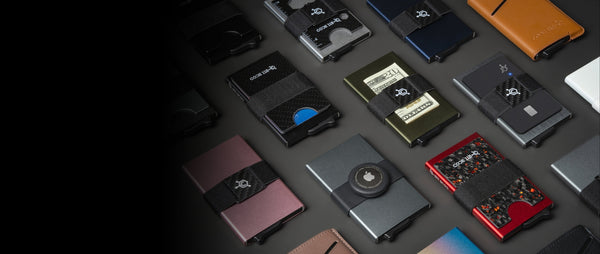
Putting your cards on your phone should not mean leaving cash at home. The CODE 118 Wallet for MagSafe keeps your everyday cards attached to a compatible phone or case. Add the Mag Pouch to the wallet's front, and you have a separate leather pocket for folded bills and extra cards. The magnetic side stays clear, so the wallet can still snap onto your phone.
Keep the cards you use most on your phone
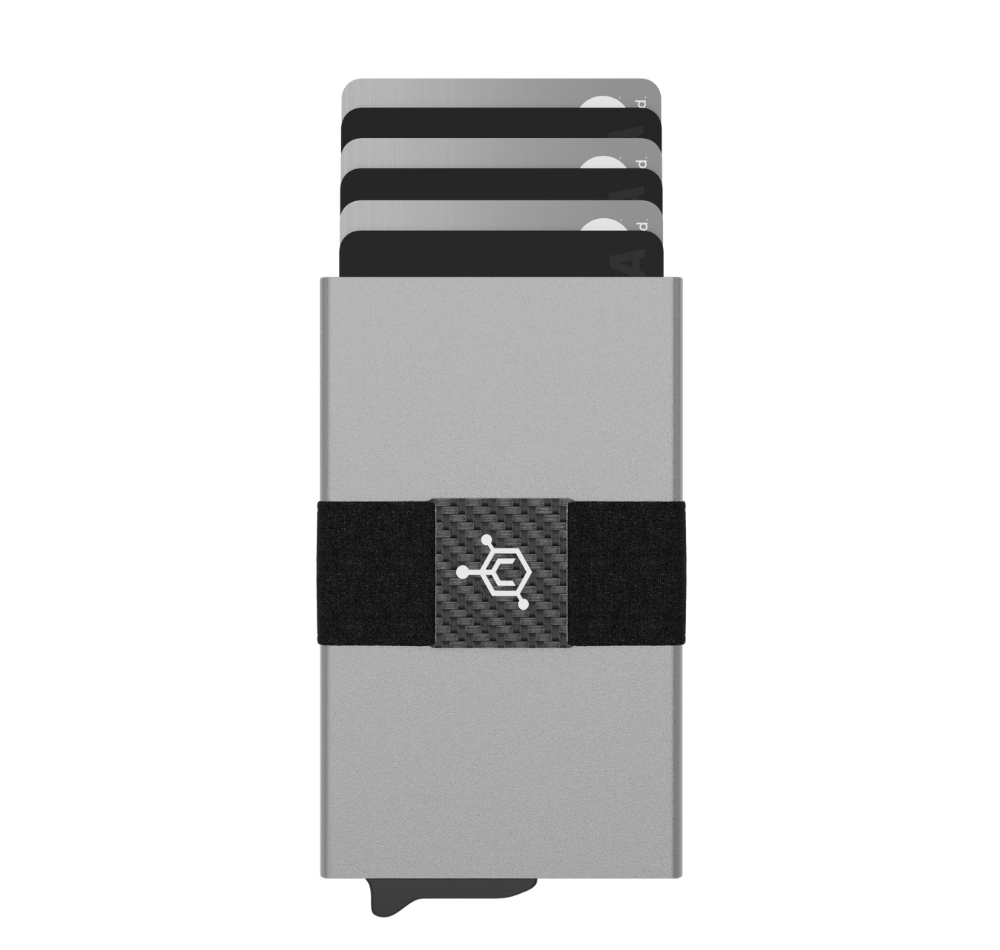
The wallet fits up to 7 cards. Slide the trigger and they fan out so you can pick the one you need.
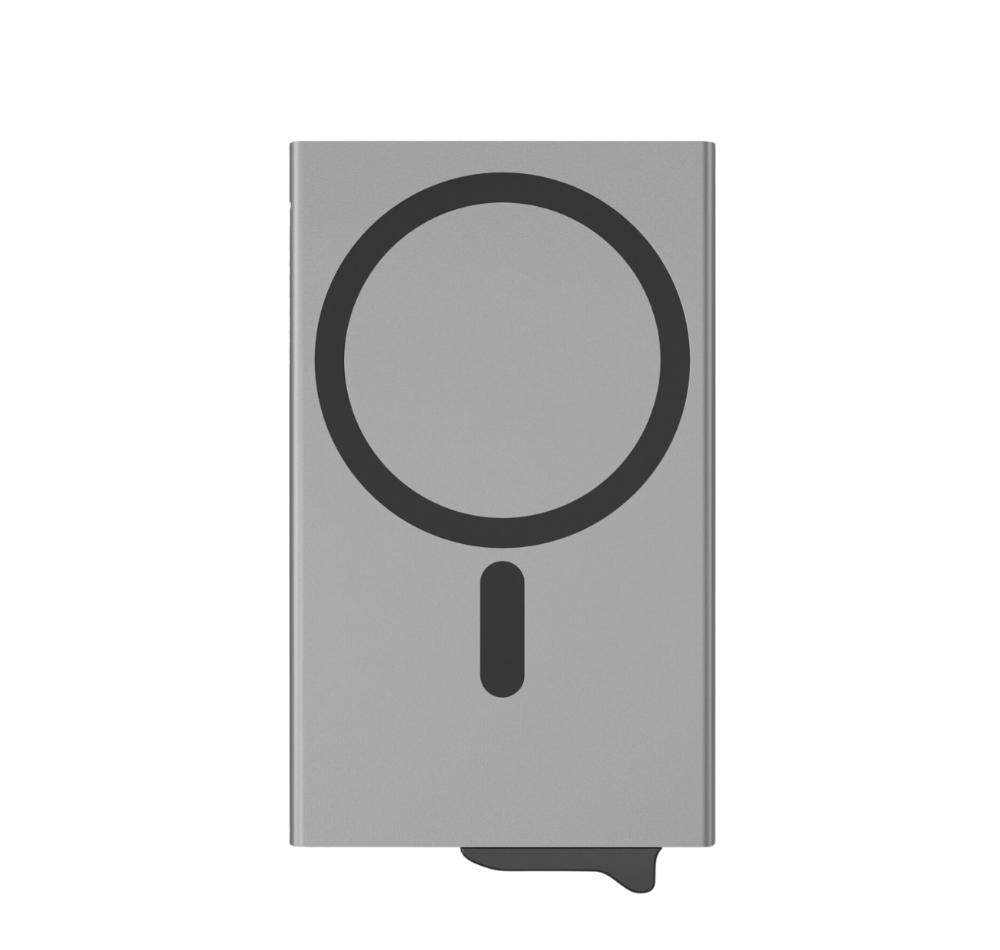
The MagSafe version attaches to a compatible iPhone or MagSafe case. When your phone is already in your hand, your usual cards are right there with it.
Let the Mag Pouch carry the cash

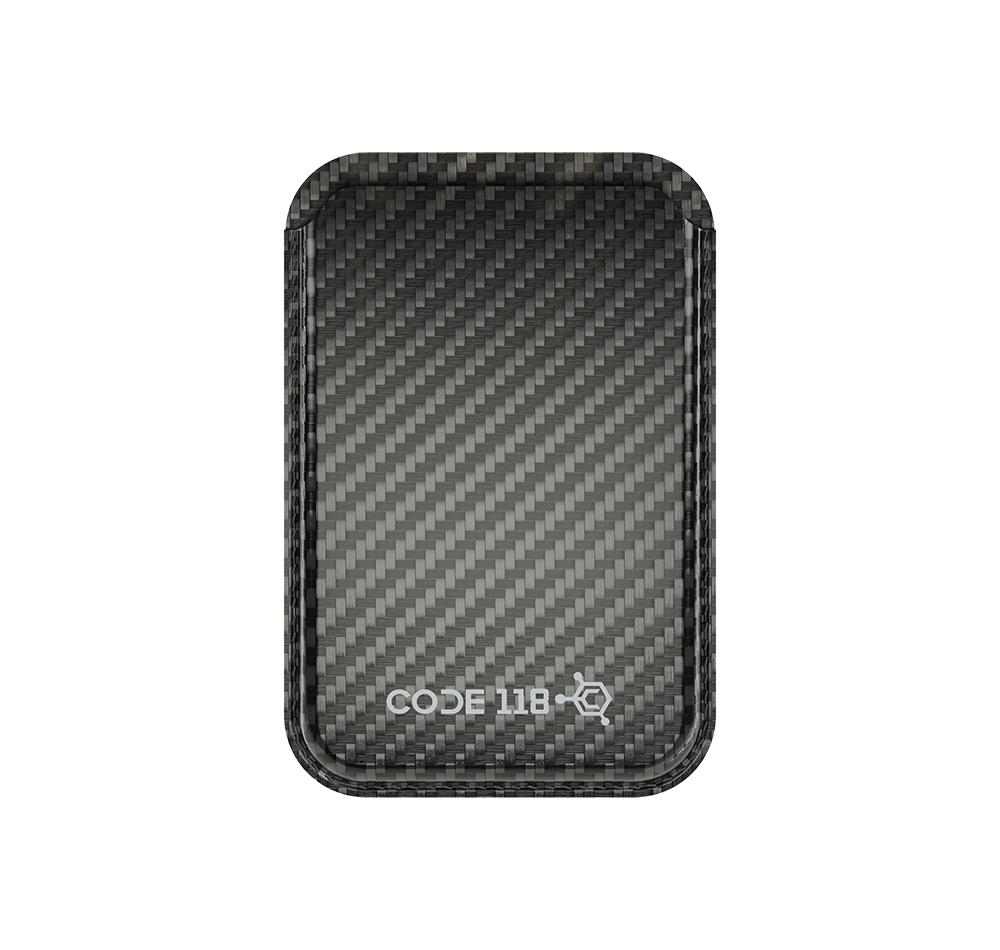
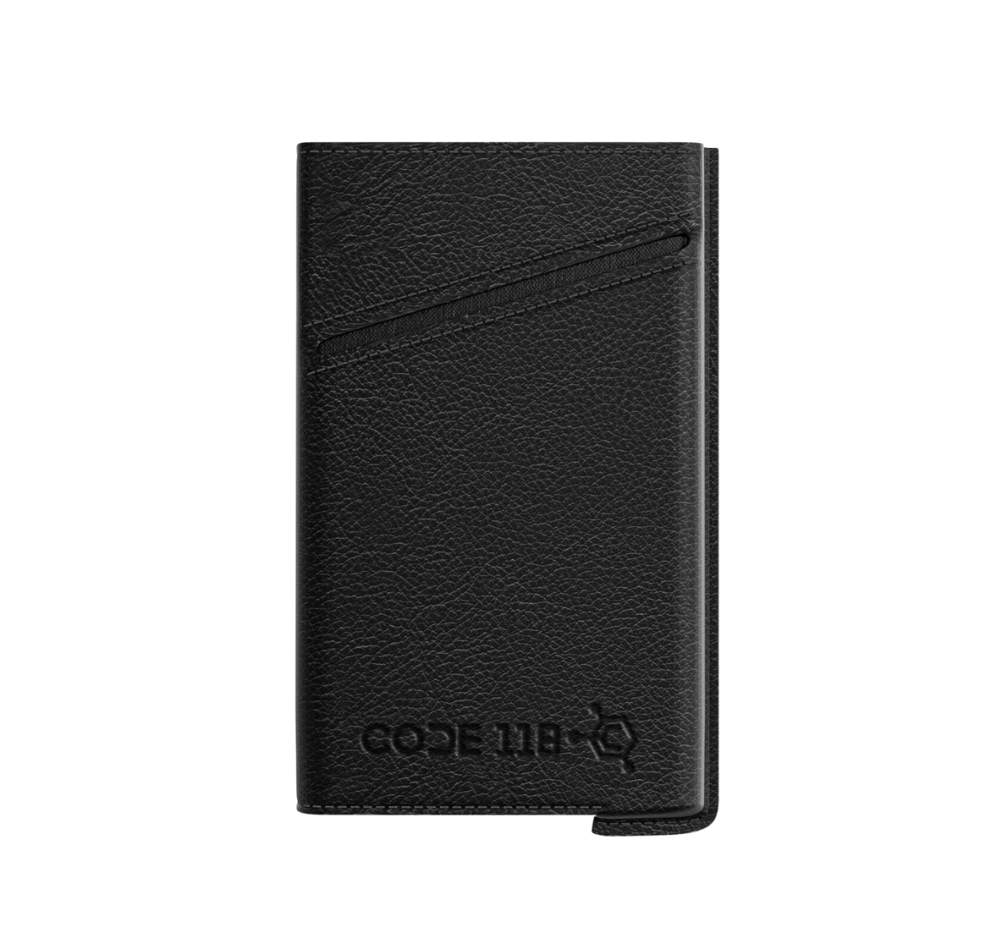
The Mag Pouch attaches to the front of the wallet and gives folded bills their own place. Its oiled and waxed full-grain leather pocket can also hold extra cards or receipts when you need a little more room.
This is the combination that makes phone carry practical if you still use cash: cards in the quick-deploy chamber, bills in the pouch, both together on your phone. No separate money clip to remember.
Keep the magnetic side clear
To set up the CODE 118 MagSafe Wallet for phone carry, remove its included cash strap. Attach the Mag Pouch to the wallet's front, leaving the magnetic side clear for your phone.
That small placement detail makes the setup work. The wallet still snaps to your compatible phone or case, while the pouch gives your cash an easy-to-reach place. The CODE 118 user manual shows the placement if you want to see it before setting yours up.
From your phone to your pocket
The Wallet and Mag Pouch stay together as one slim setup. Keep it on your phone, or take it off and slip it into your pocket. Your cards and cash stay in the same place either way.
If cash is part of what you carry, pair the MagSafe Wallet with the Mag Pouch. You get quick access to your cards and a real place for bills in a wallet that works on your phone or in your pocket.